Case study by Gabriel Espinheira, senior full-stack engineer
SnapForge, launch visuals without an upload
A free web app that puts a screenshot or a screen recording in a device or browser frame and exports a 4K image or a short video, all inside the browser tab. I built it directing coding agents: first commit 09/10/2026, version 0.2.0 on 11/10/2026.
Early days: version 0.2.0, with private source.
Three days, in numbers
7
device and window frames
12
templates that set up a whole scene
4,096
pixels on the longest side of a PNG
0
files uploaded to a server
142
tests across 29 files
24
commits from 09/10 to 11/10/2026
Counted from the repository on 12/10/2026, at version 0.2.0.
A product shot, without the upload
A launch needs its screens shown well: in a phone or a laptop, on a backdrop, sometimes moving. Shots makes mockups in the browser, and Screen Studio polishes screen recordings on the Mac. Both are good, and both set the bar I aimed for.
SnapForge puts the two jobs in one free web app and keeps every file on the computer it came from, because a launch screenshot usually shows work nobody has seen yet. Mockups come first and work today; editing recordings in the browser and a macOS recorder are planned. Three promises shape every feature:
- Free
- no account, nothing to install, every feature in the browser
- Private
- no rendering server: files are decoded, rendered and exported inside the tab, and drafts stay in the browser's own storage
- Exact
- an image comes out at the size you set, up to 4096 pixels a side, with a transparent background when you want one
Everything a product shot needs
Frames, templates, backdrops, motion and export, in one editor. Each picture below is a panel from the live editor beside an export it made.
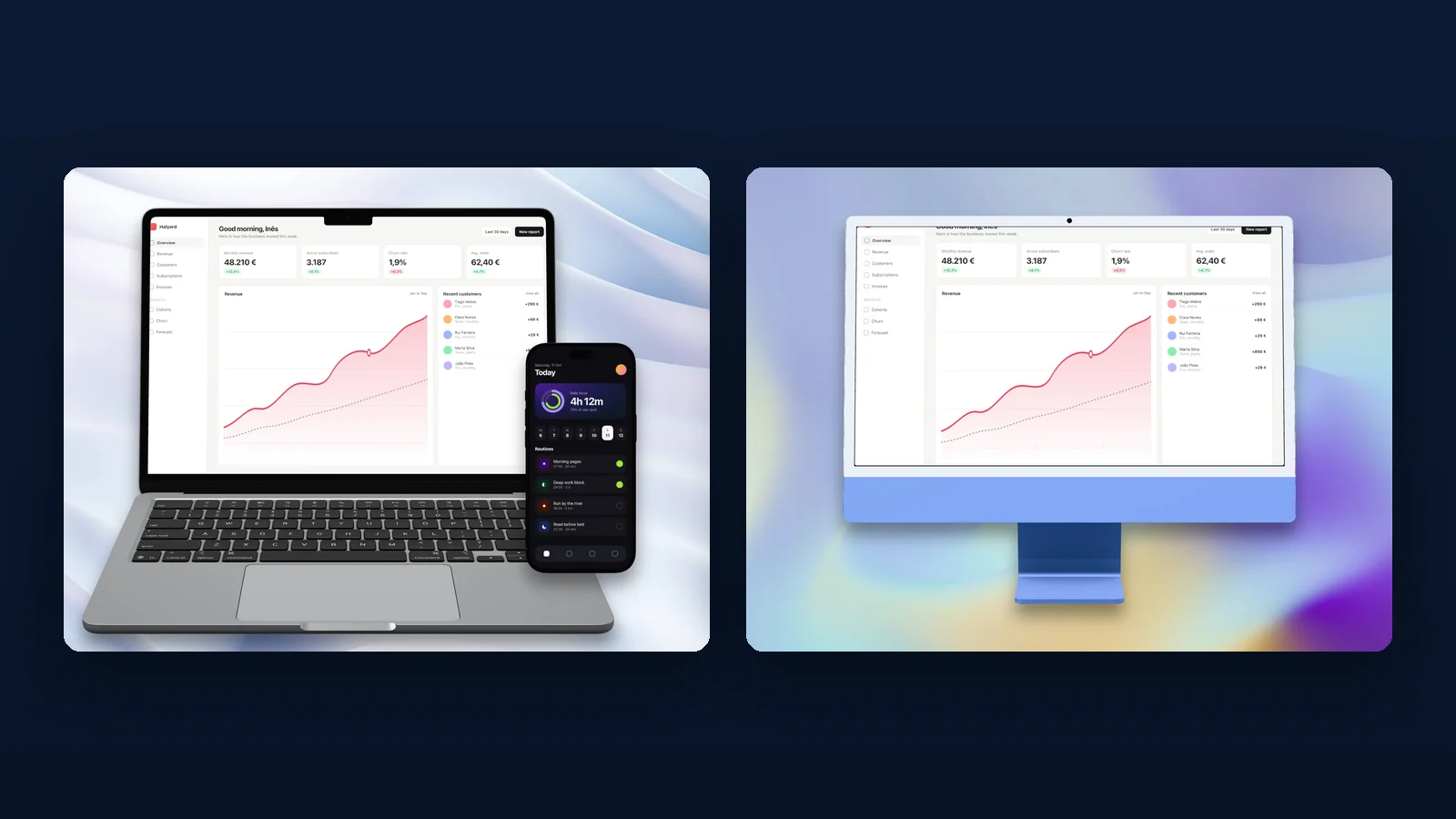
Devices rendered in 3D
The iPhone, iPad, MacBook and iMac render from 3D models through Three.js, lit by a soft product studio built in code, and the Pixel is an original model. Images and video play on the screen itself. The screen keeps up to twice the export's detail, with anisotropic filtering, so text on a tilted phone stays sharp.
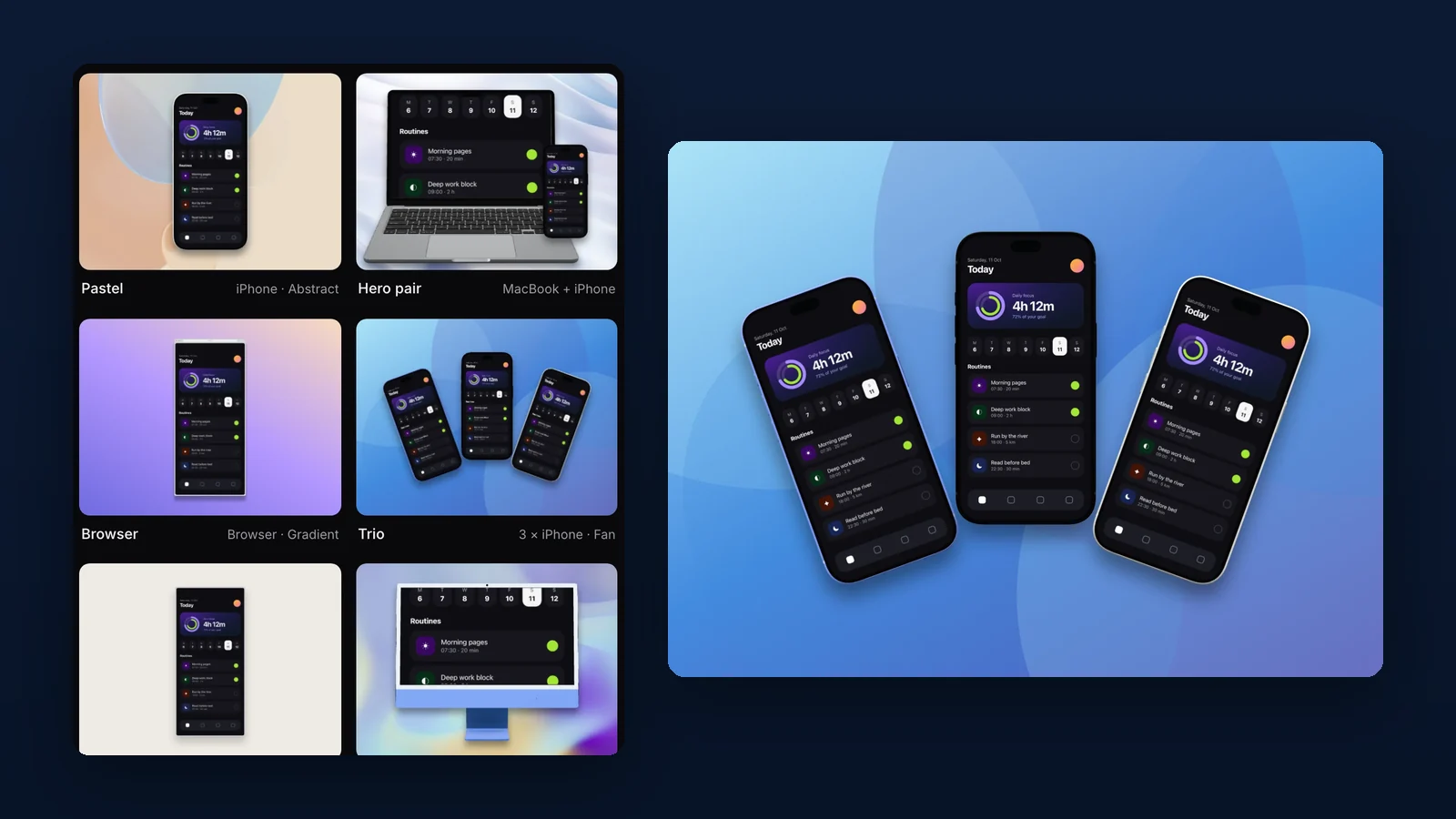
Twelve templates, one undo
A template sets the devices, their finishes, the layout and the backdrop in one step, and one undo takes all of it back. From there every part can change: up to three images or videos in a scene, each in its own frame, placed by dragging or by a layout.
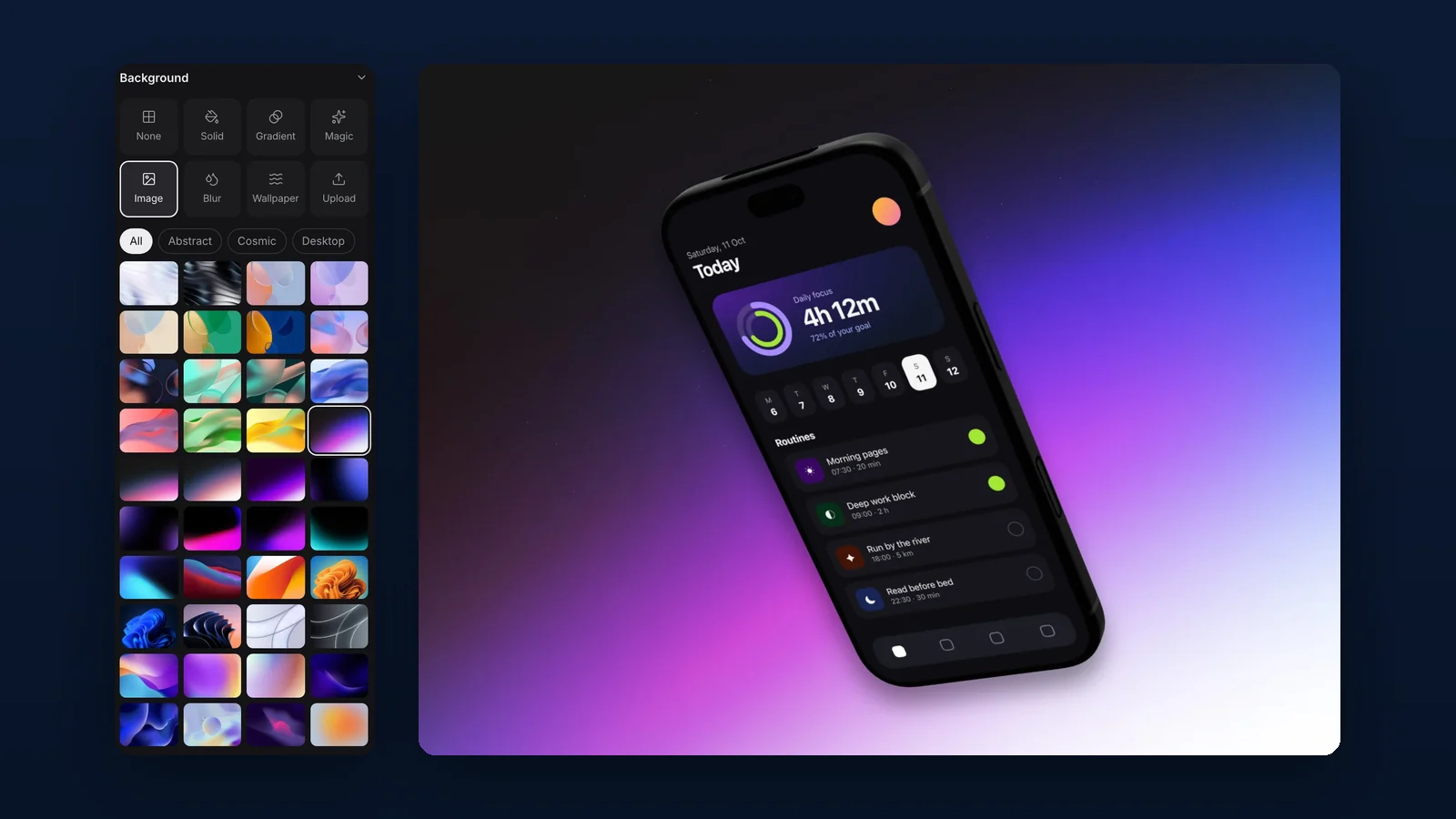
Backdrops for any mood
Gradients, solid colours, a blur of your own media, wallpapers, your own image or a photo from Unsplash. Unsplash search goes through a small server adapter that keeps the access key off the page; every other backdrop works without it.
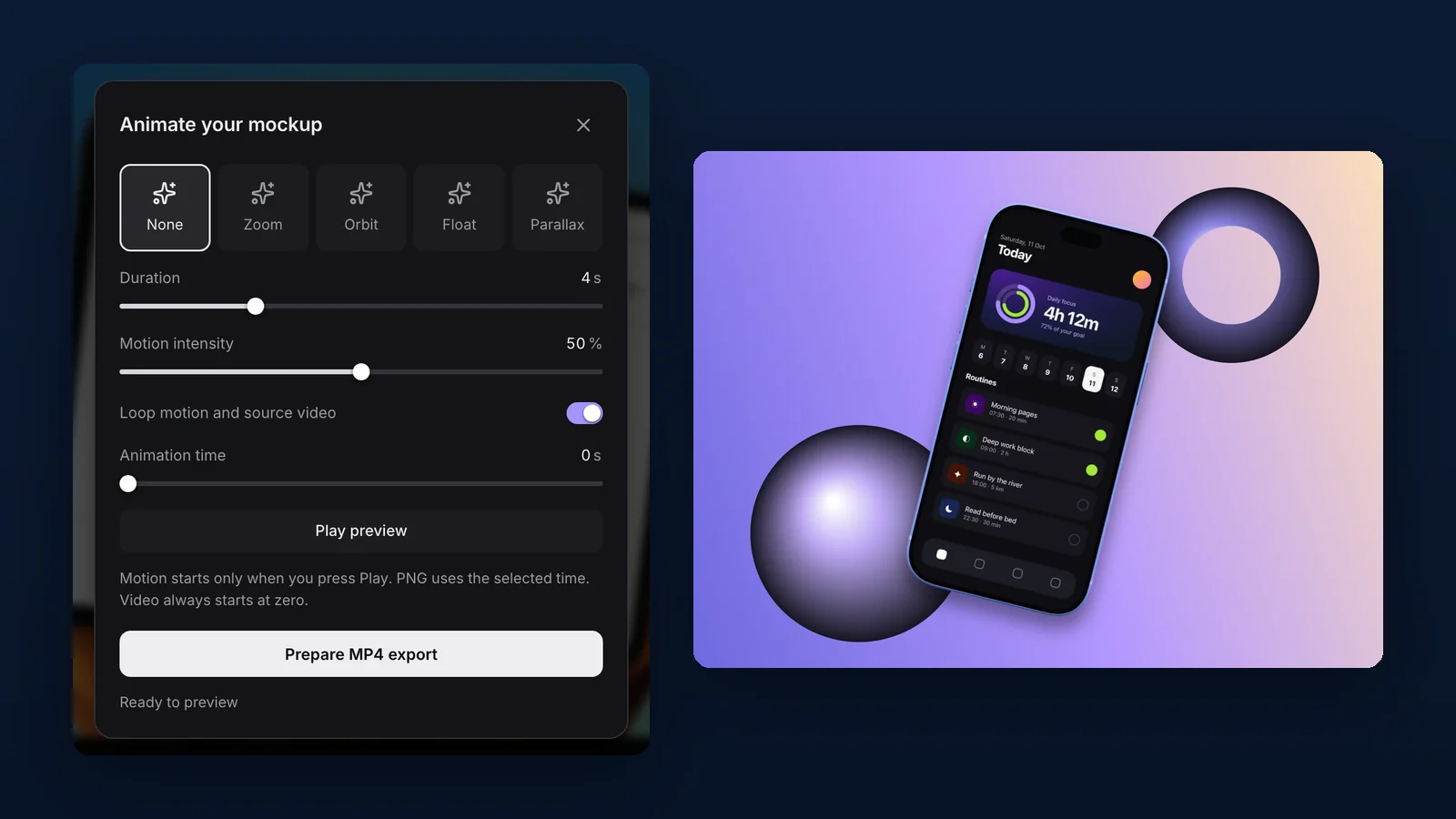
Motion, encoded in the tab
Zoom, orbit, float and parallax run on one clock that drives both the preview and the export. Mediabunny encodes the frames to MP4 or WebM through the browser's own WebCodecs, up to 1080p at 30 frames a second and twelve seconds long.
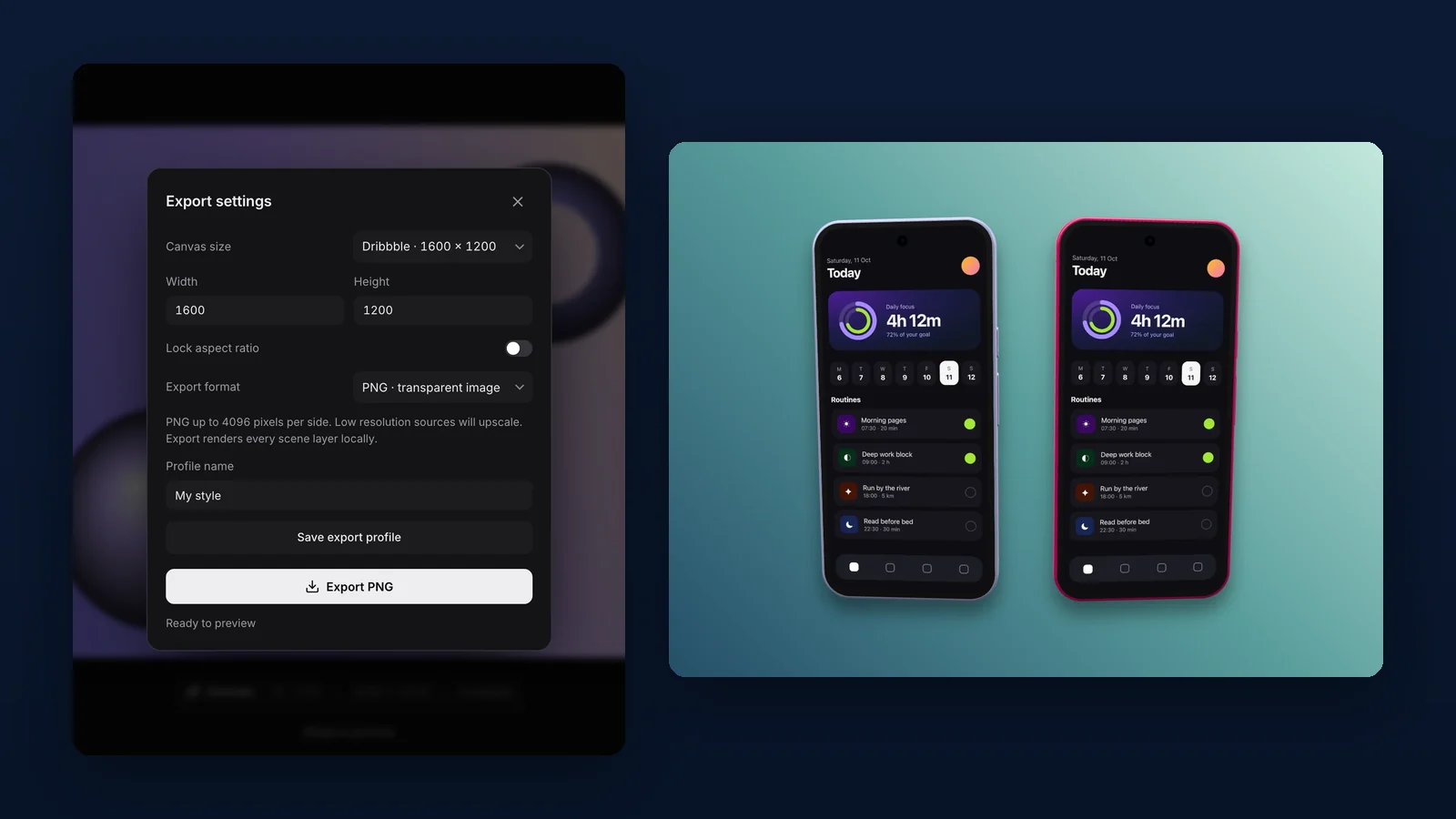
Exports at the exact size
A PNG comes out at exactly the size you set, up to 4096 pixels a side in landscape or portrait, transparent if you like. Sizes save as export profiles, a look saves as a style preset you can share as a file, and a PNG can go straight to the clipboard.
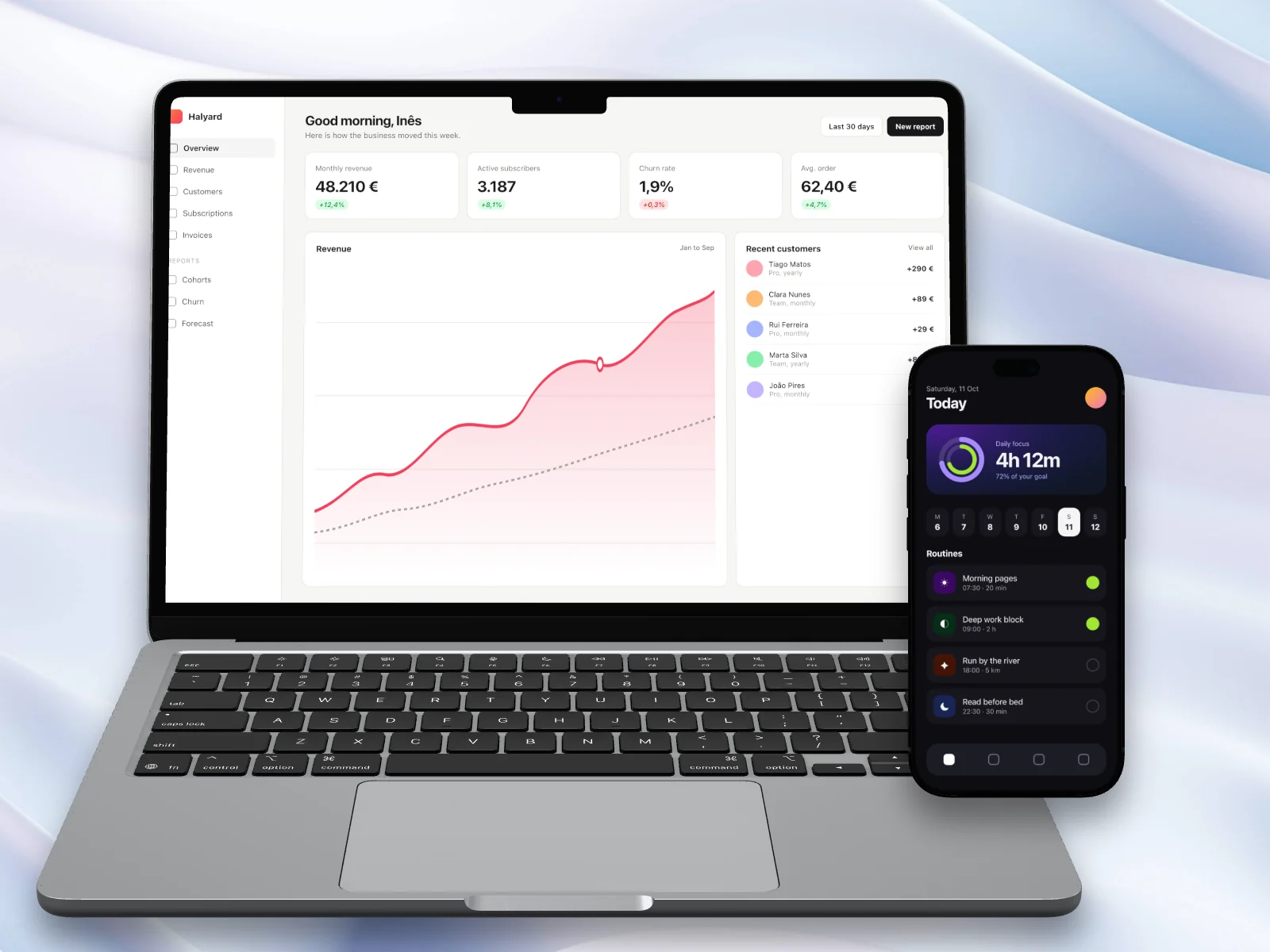
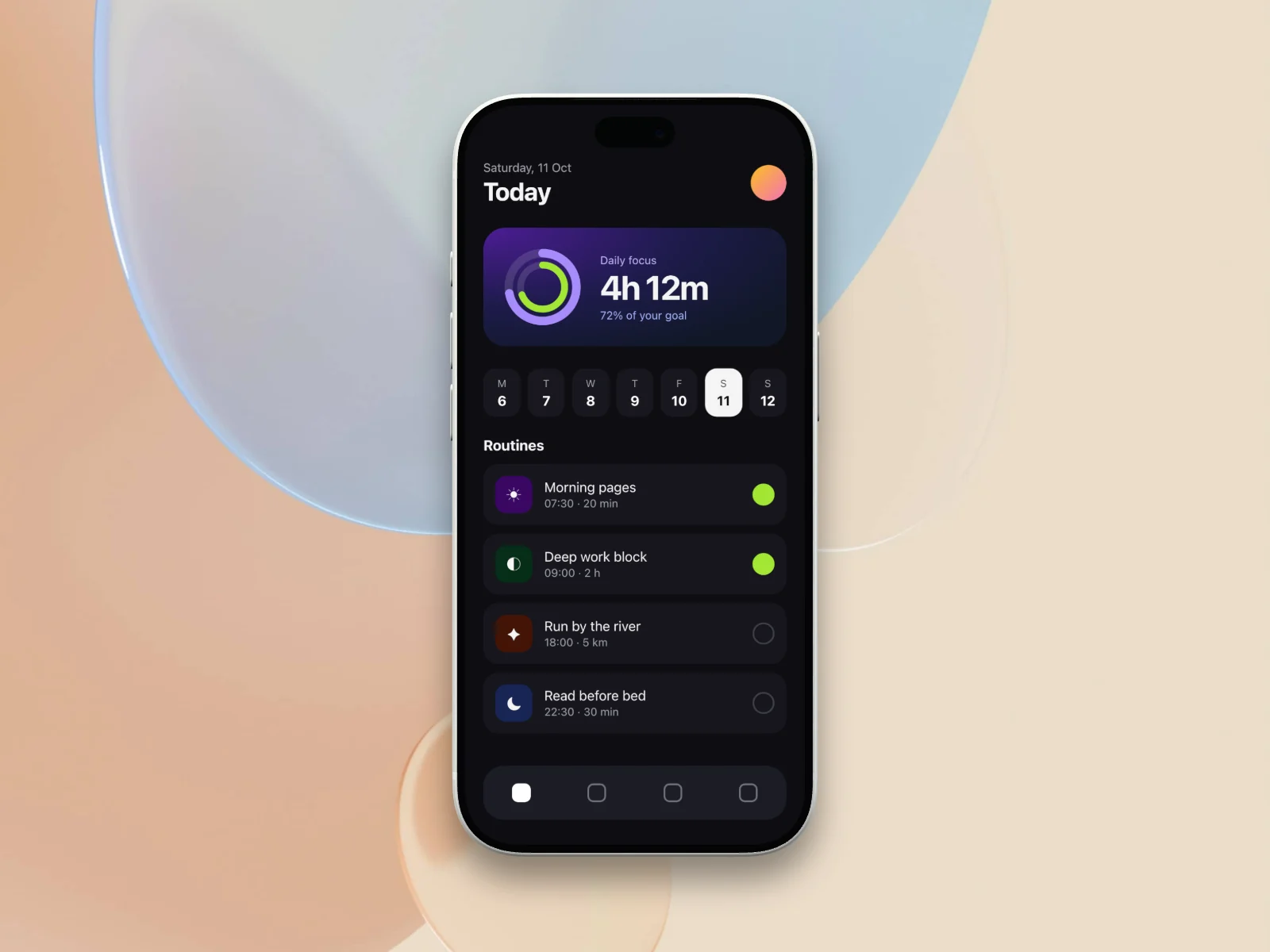
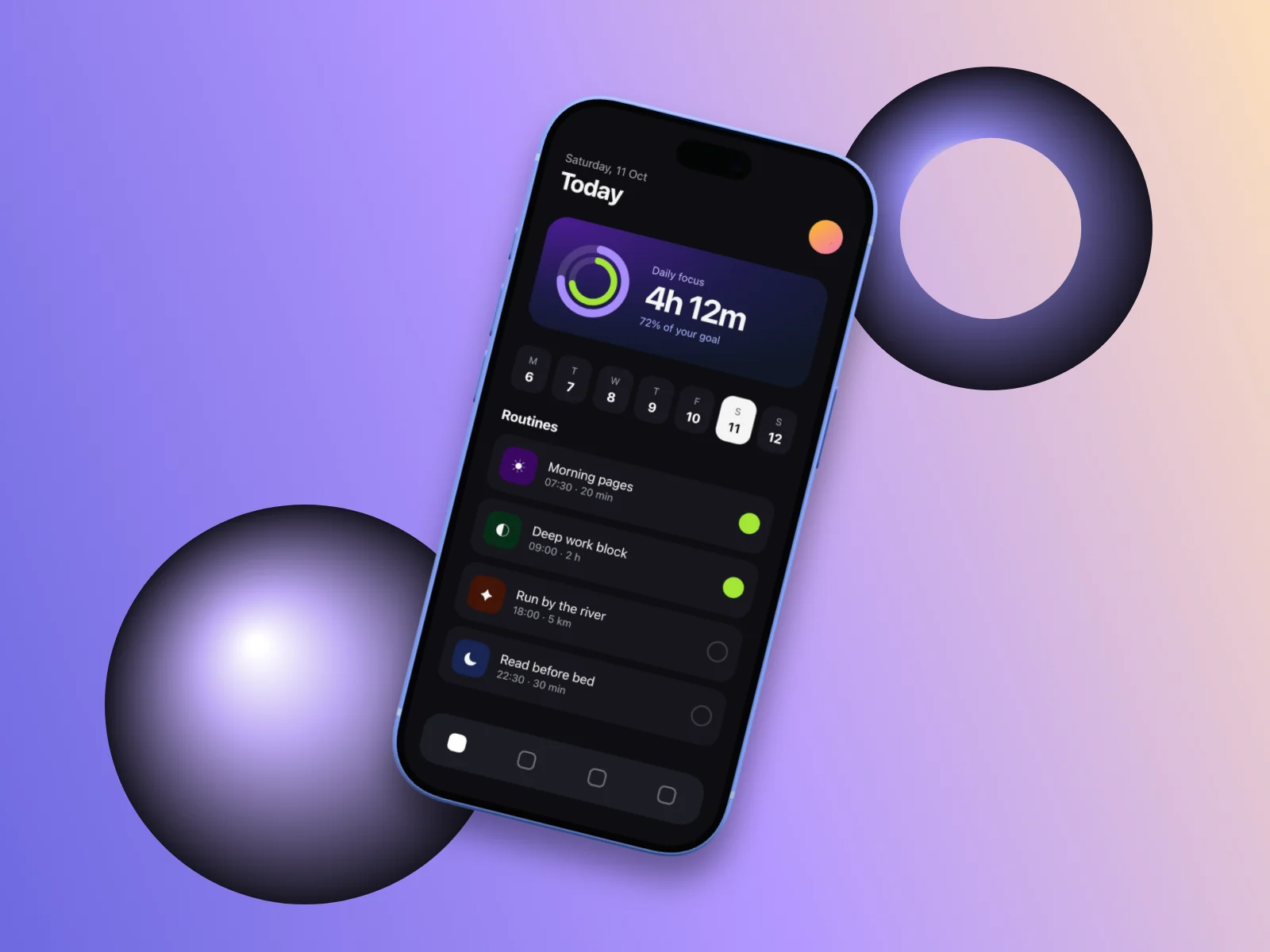
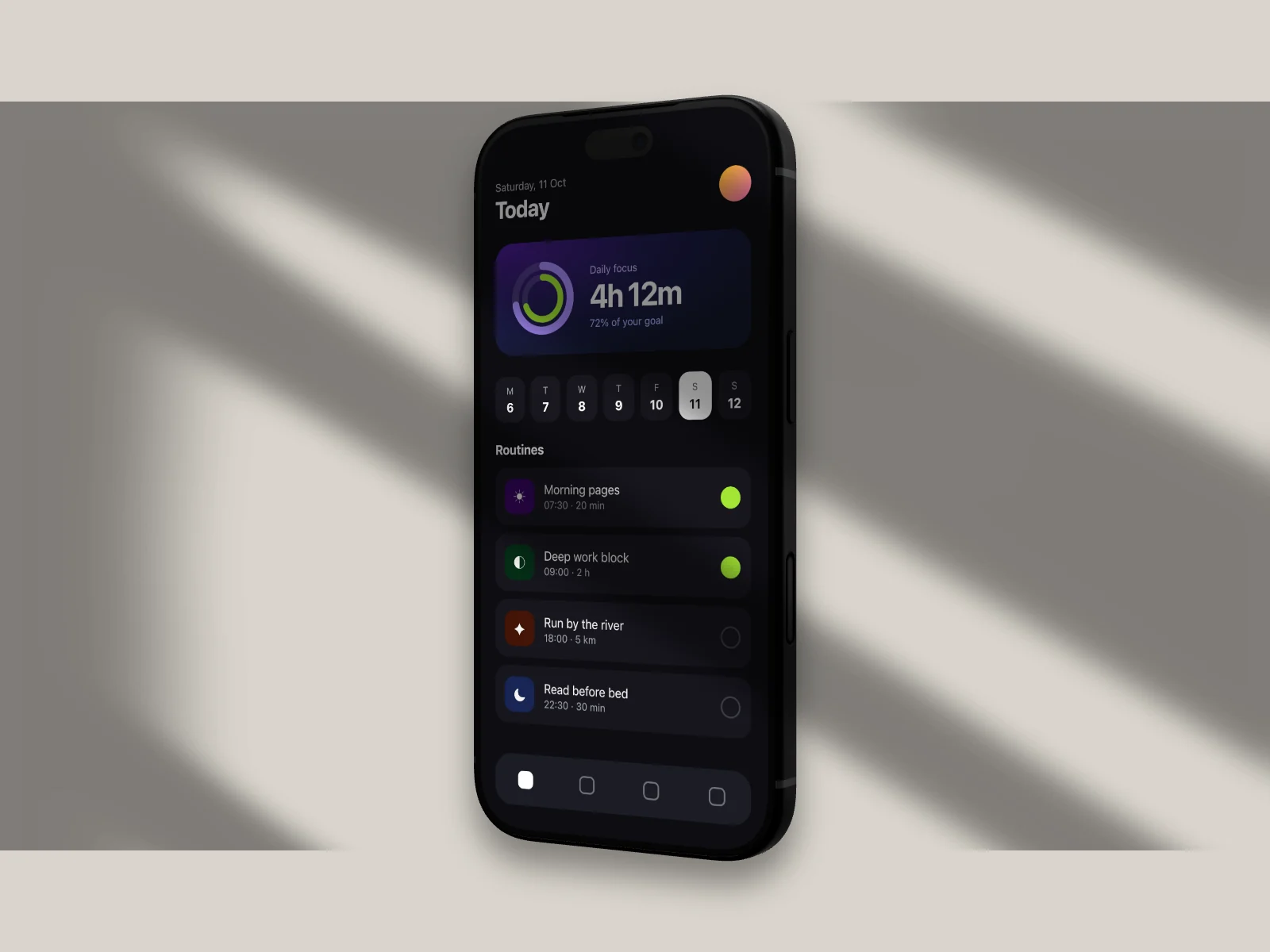
Every image here came out of SnapForge
Two sample screenshots, a dashboard and a phone app, through each of the twelve templates. Every image is a straight export at 1600 × 1200.
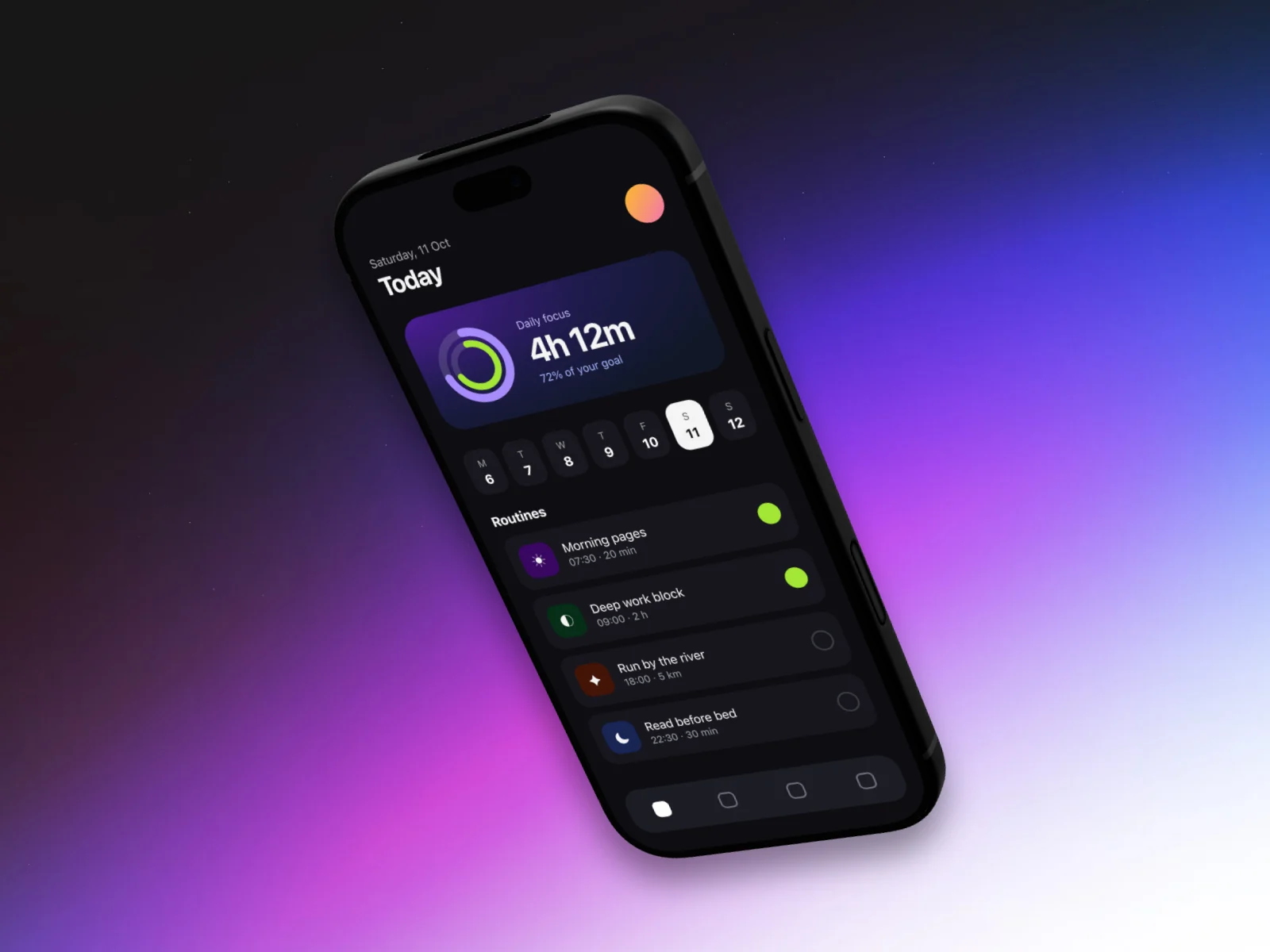
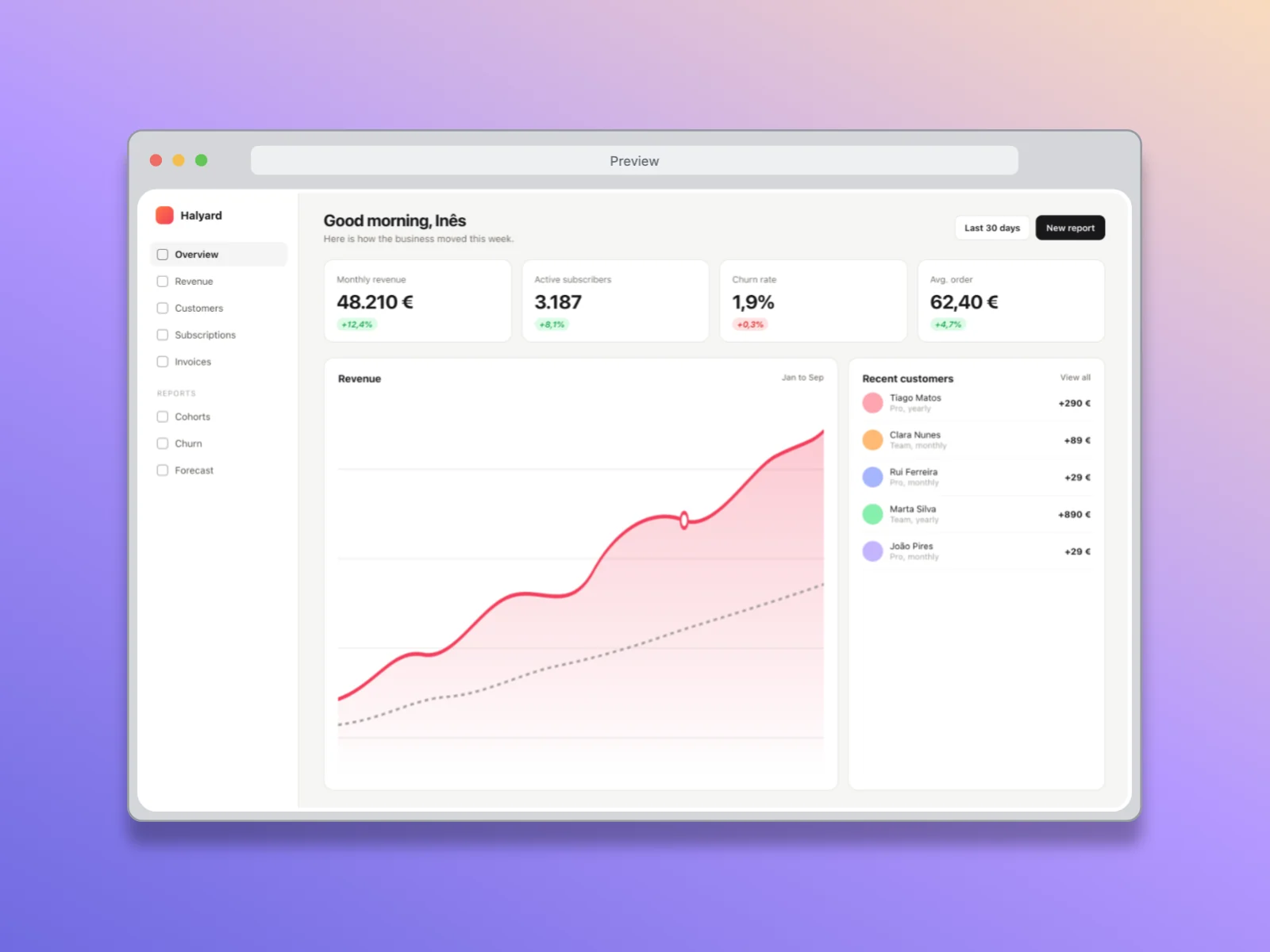
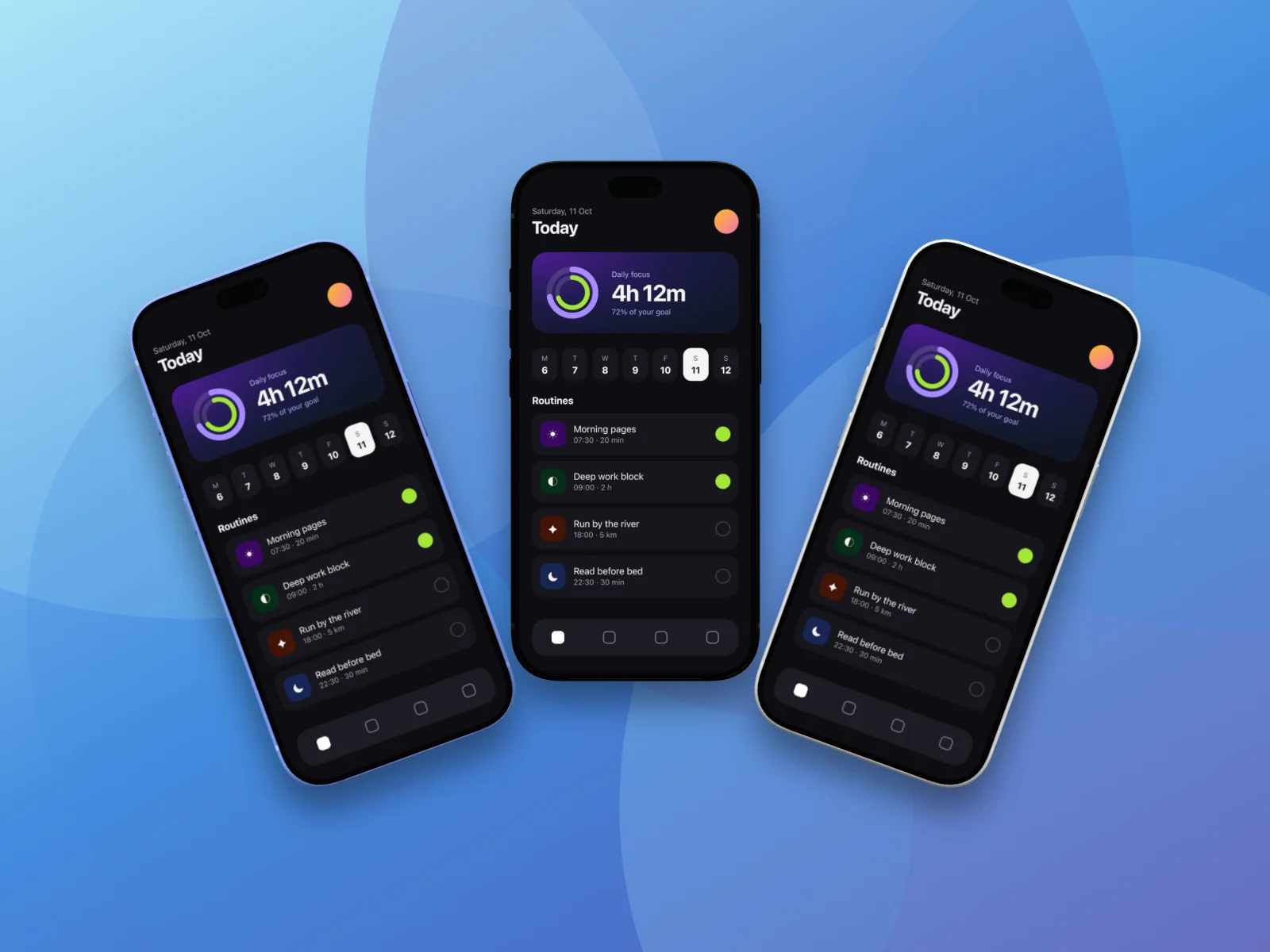
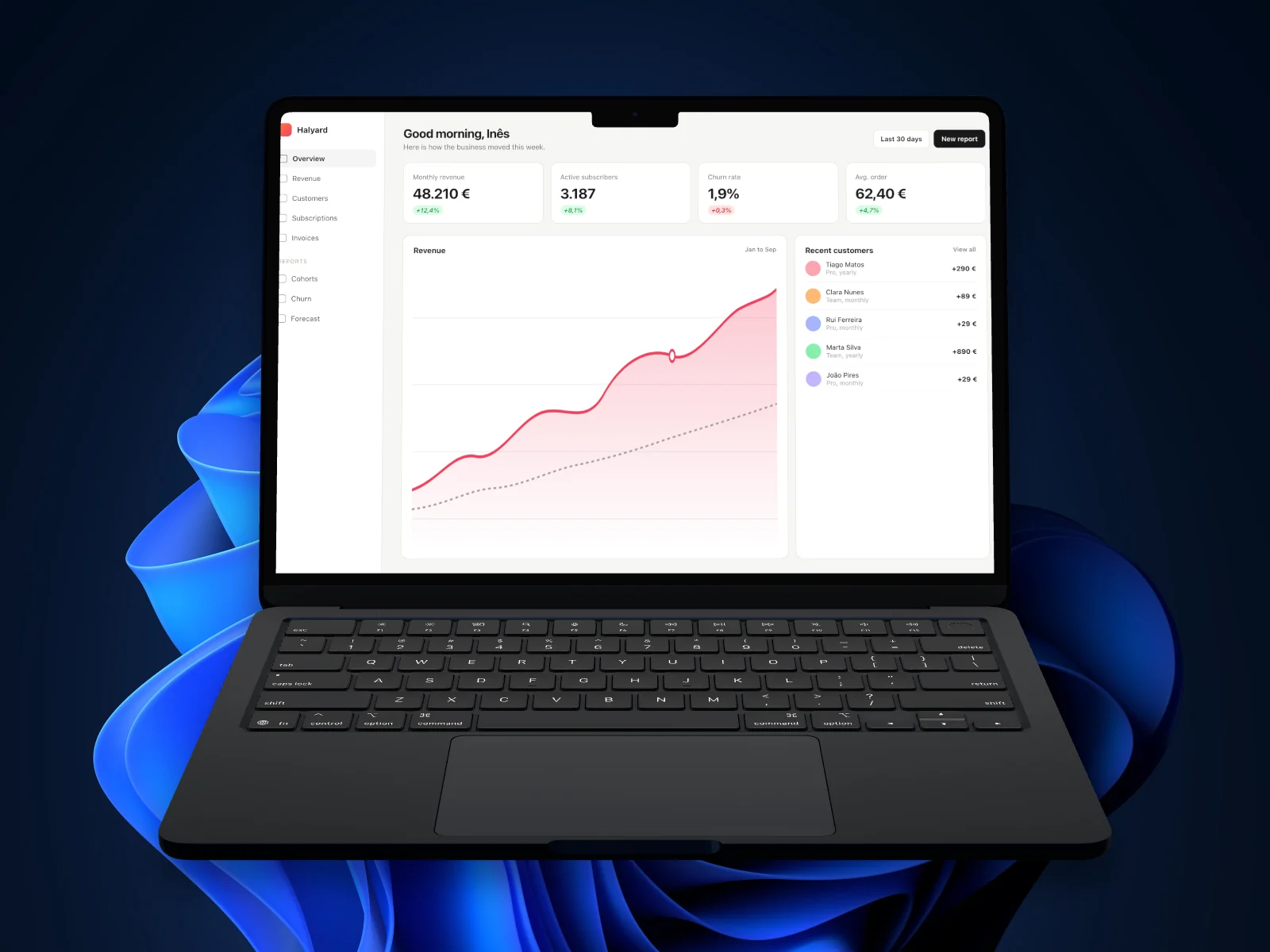
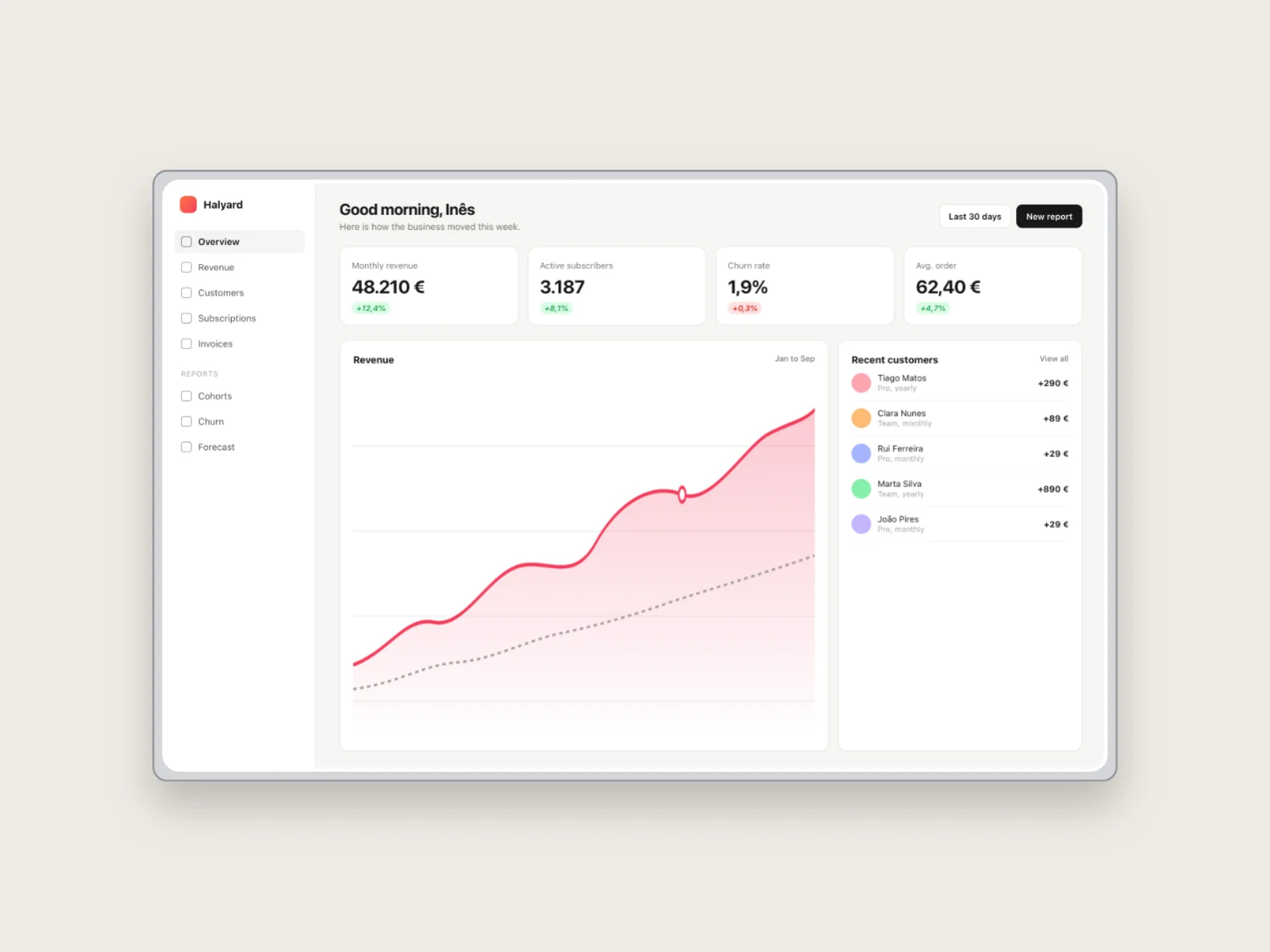
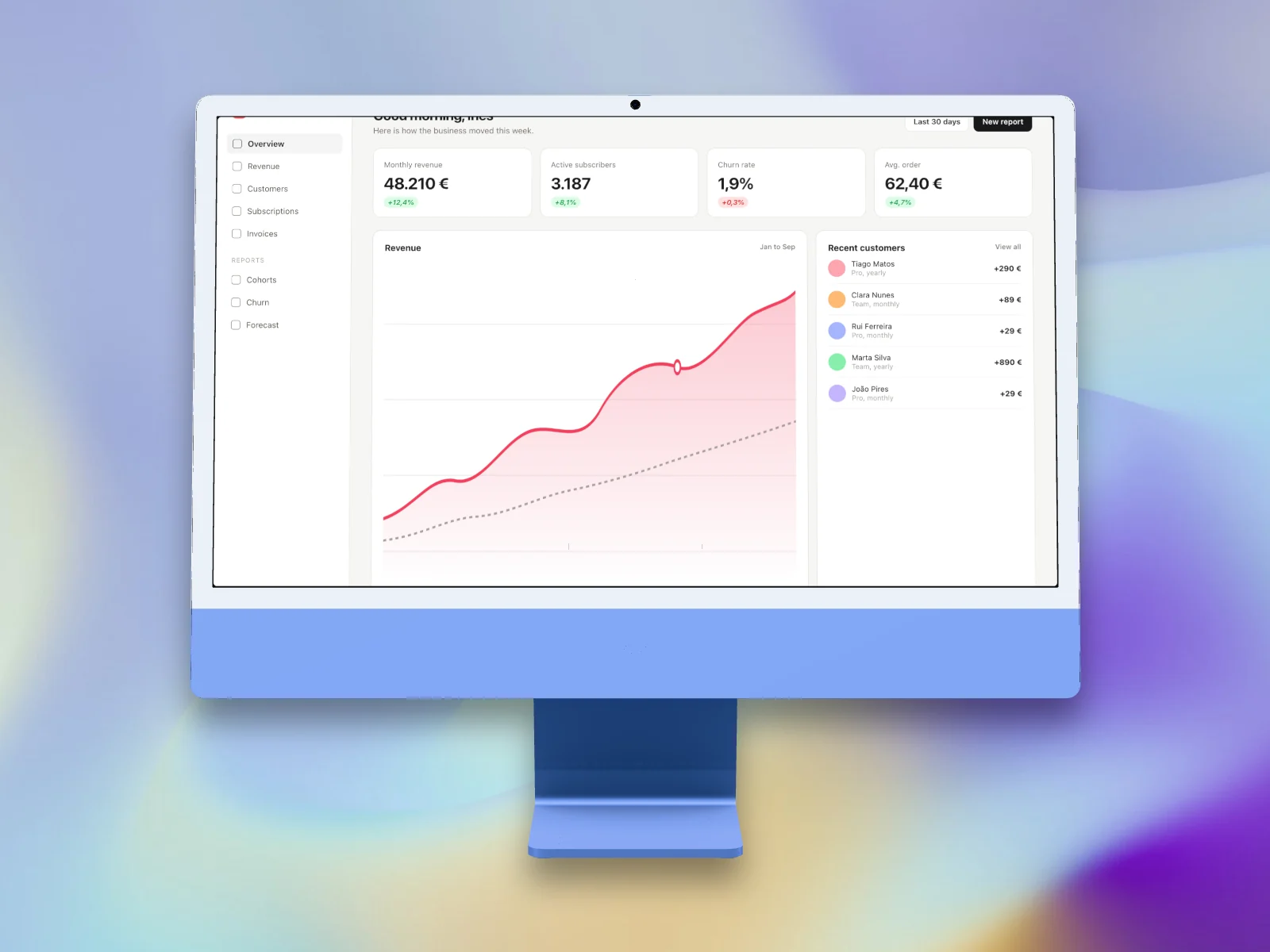
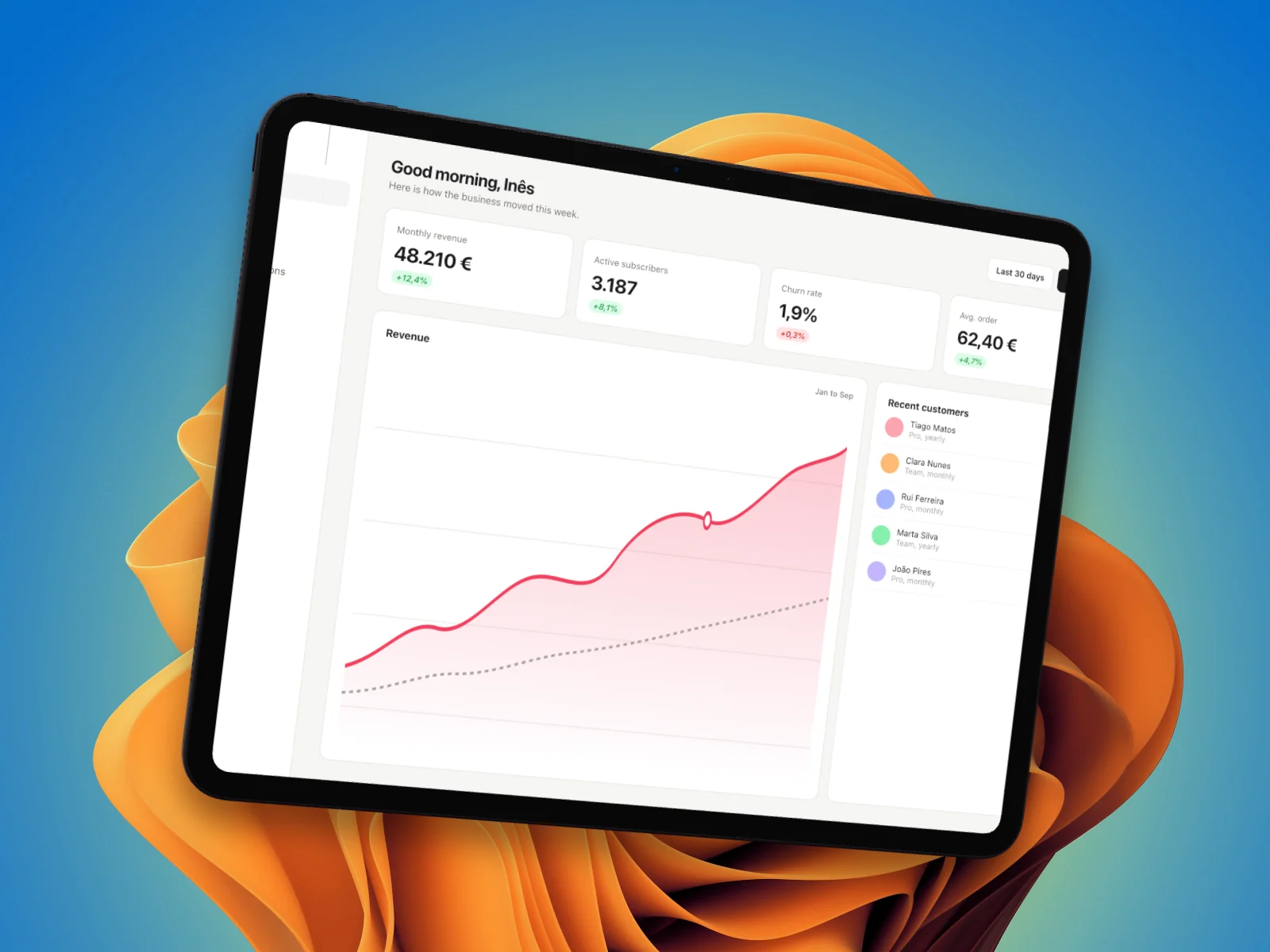
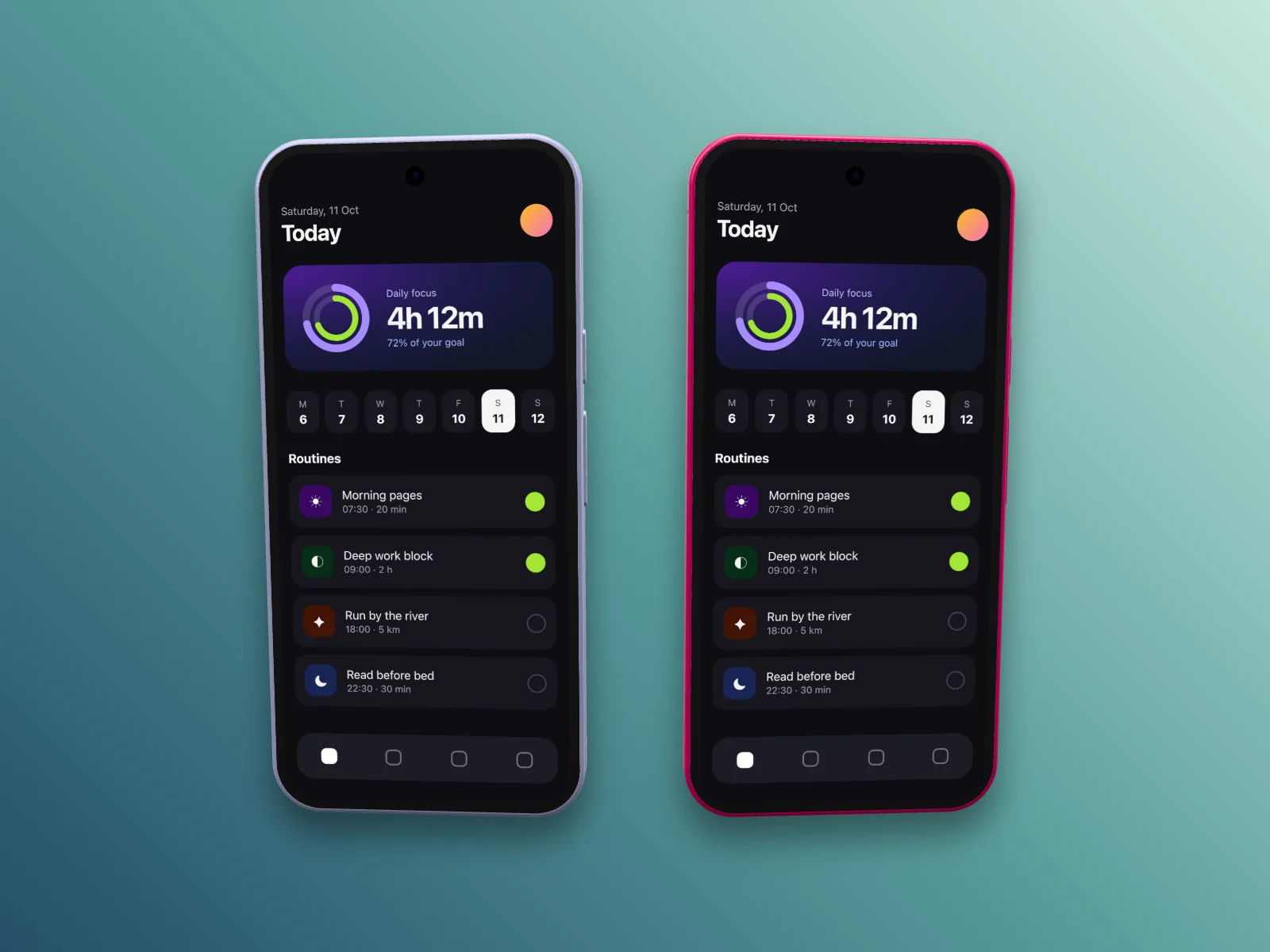
One scene, one renderer
A project is two things kept apart: the original files, stored as imported in the browser's IndexedDB, and a small scene that only refers to them by id. The scene holds the backdrop, up to three framed media, their styles and motion, and the output size, and it is all a draft needs to come back after a reload.
One Canvas 2D renderer draws the preview, the template thumbnails, the PNG and every video frame from the same scene at the same moment, so an export can't drift from what was on screen. Tilt goes through one WebGL quad with perspective-correct texture coordinates, and devices render through Three.js into the same frame.
The preview and the export are the same code.
- 01ImportDrop, paste or browse: PNG, JPEG and WebP, MP4 and MOV.
- 02Original bytesStored as imported in IndexedDB, apart from the project.
- 03SceneA small versioned document that references the media by id.
- 04One rendererCanvas 2D, with WebGL for tilt and Three.js for devices.
- 05Preview and exportThe same scene and the same time: preview, PNG, MP4 and WebM.
Six decisions, with their reasons
Most of them protect one thing: the files you bring in. The rest keep an edit reversible and an export honest.
Originals stay untouched
Imported files are stored byte for byte and never rewritten. The scene only points at them, so a crop or a frame change can always be undone, and media no project uses any more is deleted instead of filling the browser's storage.
One gesture, one undo
History keeps whole scene snapshots with asset ids, never the media. A drag is one step however many frames it lasted, and a template that changes devices, layout and backdrop is one step too.
Every load is validated
The scene schema bounds every number, colour and id, and a draft is checked against it each time it opens. Projects saved by older versions are migrated in memory, with their media left as it was.
Video is checked before download
An encoder gets fifteen seconds before the export stops with a clear error, and the frame timestamps are checked after encoding. A browser that drops frames gets a message, never a broken file.
Style files without your screens
A style preset is a small file anyone can import into another project. It carries the look, and media only when you choose: an early version leaked the screenshot behind a blur backdrop into the file, and the fix is covered by a test.
Analytics only after yes
PostHog loads after you accept and records page views only. Unsplash search sends the words you type and never your files, ten requests an hour per visitor, through fixed hosts with no redirects and an eight-second timeout.
Checked in two browser engines
Each feature was run in real Chromium and WebKit, not only in unit tests: three imports, a reload that restores the draft, and exact 3840 × 2160 and 2160 × 3840 PNGs in both engines. Exported MP4 and WebM files were decoded back to thirty frames over one second at 1920 × 1080. Where WebKit failed, the repository says so and the editor refuses the export.
A hard call: the browser first, the recorder later
Problem
The polish people know from Screen Studio, zooms that follow your clicks and a cursor that glides, needs a recorder that logs every click and cursor position as it records. That means a native macOS app with Accessibility and Input Monitoring permissions, and the first plans put that desktop app ahead of the editor.
Options
Build the Electron recorder first, and nothing is usable until capture, permissions and the editor all work. Or start in the browser, which can already decode, render and encode video, and add the recorder once the editor is worth recording into.
Choice
The website is the product, and nothing it does needs Electron. The scene and the renderer are shared code a desktop app can reuse later, with its recordings and click data arriving through the same local storage.
Cost
An imported recording carries no click or cursor data, so automatic zooms can't exist yet. Video export stops at 1080p, 30 frames a second and twelve seconds, and it depends on each browser's encoders: Chromium passes MP4 and WebM, and WebKit only passes simple WebM scenes, so SnapForge rejects the rest with an error.
A smaller call: the Pixel, by measurement
Google publishes no 3D model of the Pixel 11, so its geometry is built in code from the published specifications, 152.8 × 72 × 8.6 mm with a 6.3-inch 1080 × 2424 display, and its bezels, camera visor, punch-hole and buttons are measured from product renders. It's an approximation, and the repository says so.
Three days, a plan per feature
The first commit was on 09/10/2026 and version 0.2.0 shipped on 11/10/2026: 24 commits, all mine, and the work happened in agent sessions. My local logs hold 8 Claude Code and 4 Codex sessions on the repository.
Each feature started as a plan in the repository, fourteen of them, with the checks that define done. The verification record lists what was proven in a real browser and what wasn't, such as live Unsplash search, which waits on an access key of my own.
It is early. Recording and editing video are planned, not built, and the source is private. The marketing site, legal pages and quality gates came from Fabricator, the factory my studio scaffolds its websites with.
Need someone to own the build?
I'm open to a full-time role or a contract build. I read every message myself and reply within 2 business days.
- Full-time role
A senior engineer on your team
Remote on EU hours, or hybrid and on-site in Lisbon.Talk about a role - Contract build
Your product, built end to end
Web, desktop and mobile on TypeScript, Next.js, Convex and Expo, including AI features.Talk about a build